Give the Feed One Job: Make the Next Visit Easier to Imagine
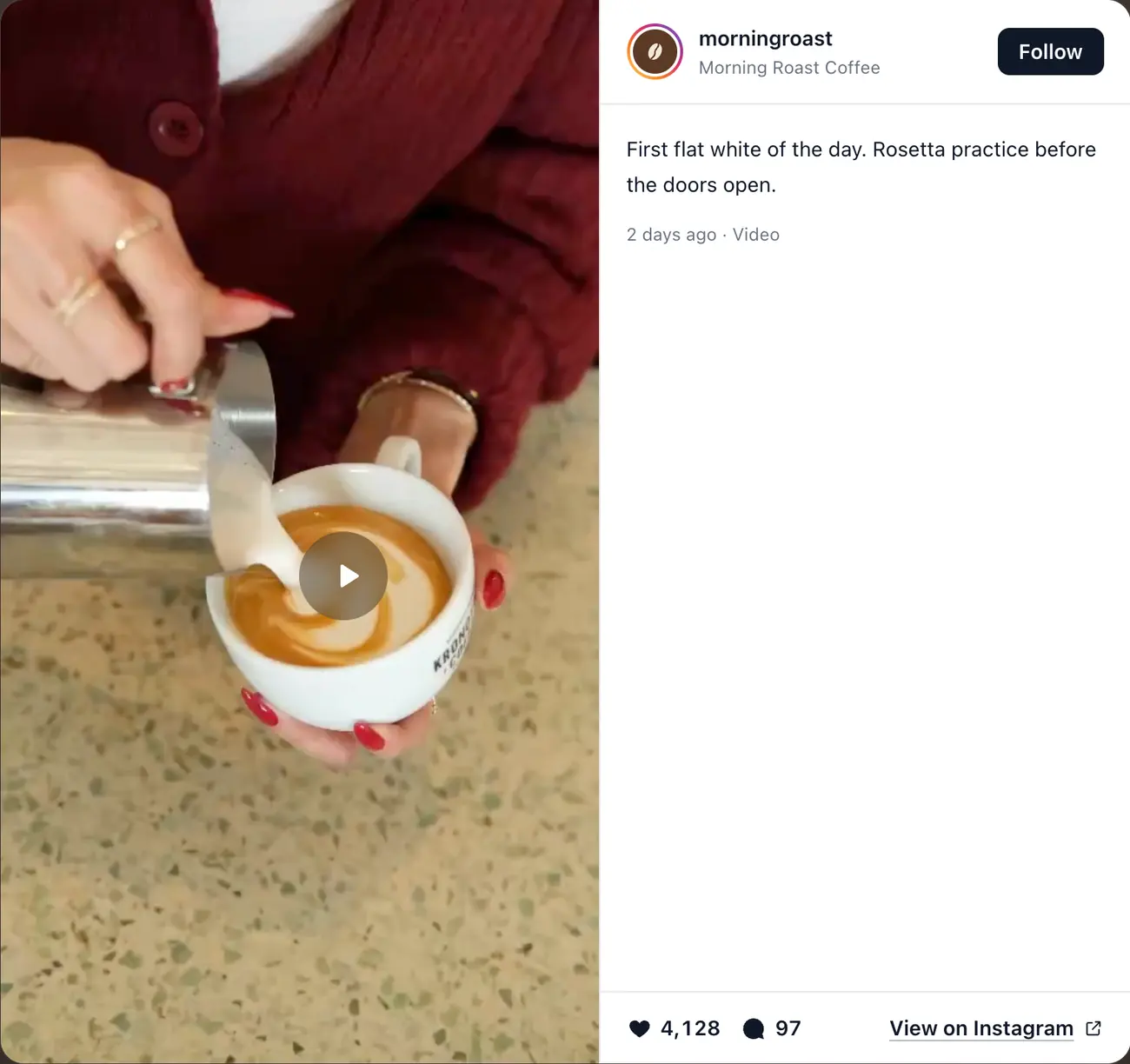
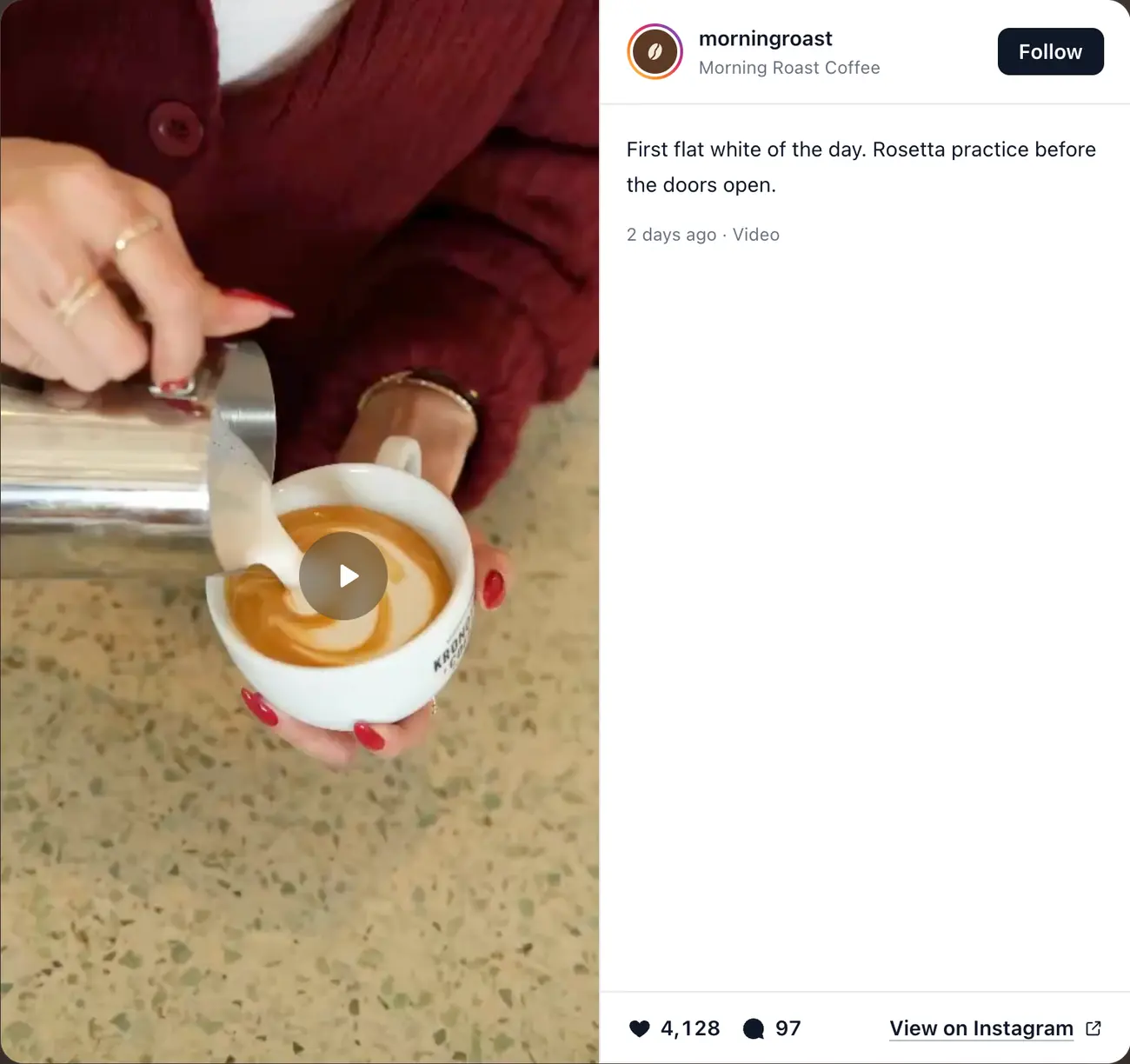
A menu explains what a restaurant serves. An Instagram feed can show what the experience feels like now: tonight’s room, the actual portion and plating, a busy terrace, a seasonal dish, a chef at work, or the scale of a private event. That visible recency can answer questions polished brand photography does not.
The feed should support a restaurant decision, not become a second social app inside the website. The next action remains a reservation, order, call, directions request, or private-dining enquiry. If visitors disappear into Instagram before taking that action, the section may be visually successful and commercially weak.
Instagram and Google reviews perform different trust jobs. Instagram supplies visual texture and recency. Reviews supply independent customer judgment about food, service, value, consistency, and occasion. Restaurants often benefit from both when each is placed near the decision it supports.
Map the Feed to the Restaurant Website Journey
On the homepage, place a concise feed after the visitor understands the concept, location, and menu direction. Follow it with a reservation or order action. On a menu page, use recent posts only when they represent dishes a visitor can reasonably expect; do not create confusion by foregrounding discontinued specials.
Private dining and event pages are often a stronger placement than the homepage. A curated feed can show table configurations, room scale, flowers, lighting, and event atmosphere immediately beside capacity, package, and enquiry information. Location pages for restaurant groups should use the corresponding branch account or a deliberately filtered set.
Avoid loading a large feed above the reservation widget, hiding essential hours beneath it, or placing it inside checkout. Proof should reduce hesitation without interrupting the task.
- Homepage: four to six recent posts after the concept and before the next booking CTA
- Menu: a small set of representative, currently available dishes
- Private dining: events, room layouts, groups, and service details near the enquiry form
- Location page: branch-specific food, room, staff, and neighborhood context
- About page: chef, suppliers, team, craft, and behind-the-scenes process
- Order path: little or no feed content once the visitor starts checkout
Build a Feed Around Customer Questions, Not a Color Palette
A useful restaurant feed alternates evidence. Food close-ups show execution but not atmosphere. Room shots show mood but not whether portions justify the price. Staff and process build human trust. Event imagery helps group organizers understand the experience. A balanced set answers more of the customer’s decision than twelve near-identical plates.
The first visible row matters most. Pin or curate posts that represent the current menu and venue rather than allowing an old giveaway, recruitment post, or supplier notice to lead the website section. Seasonal content should be removed or pushed down when the season ends.
Do not rely on text baked into an image for essential information such as hours, allergen notices, event dates, or booking rules. Put operational facts in accessible website copy and treat the feed as supporting media.
- Signature dishes shown at an honest serving scale
- Dining room, terrace, counter, or bar in realistic service conditions
- Staff, chef, preparation, suppliers, and behind-the-scenes craft
- Private events and group layouts with permission from identifiable guests
- Seasonal changes that are still available when the post appears on the site
- Customer content only with a clear permission and attribution process
Use Reviews and Instagram Together Without Repeating Yourself
Place a compact Google rating or two relevant review excerpts near high-stakes actions such as reservation, private dining, and ordering. Place the Instagram feed where visual recency adds desire. Avoid stacking a large review carousel and a large Instagram grid back-to-back; the page becomes proof-heavy and action-light.
A practical sequence is concept, menu or offer, visual proof, independent review proof, then action. On shorter pages, choose the stronger proof type for that page. A private-events page may benefit more from photographs of real room layouts plus one detailed event review than from two full carousels.
Related: Preview restaurant Google review layouts · Restaurant review widget guide
Choose a Layout That Respects Food and Mobile Screens
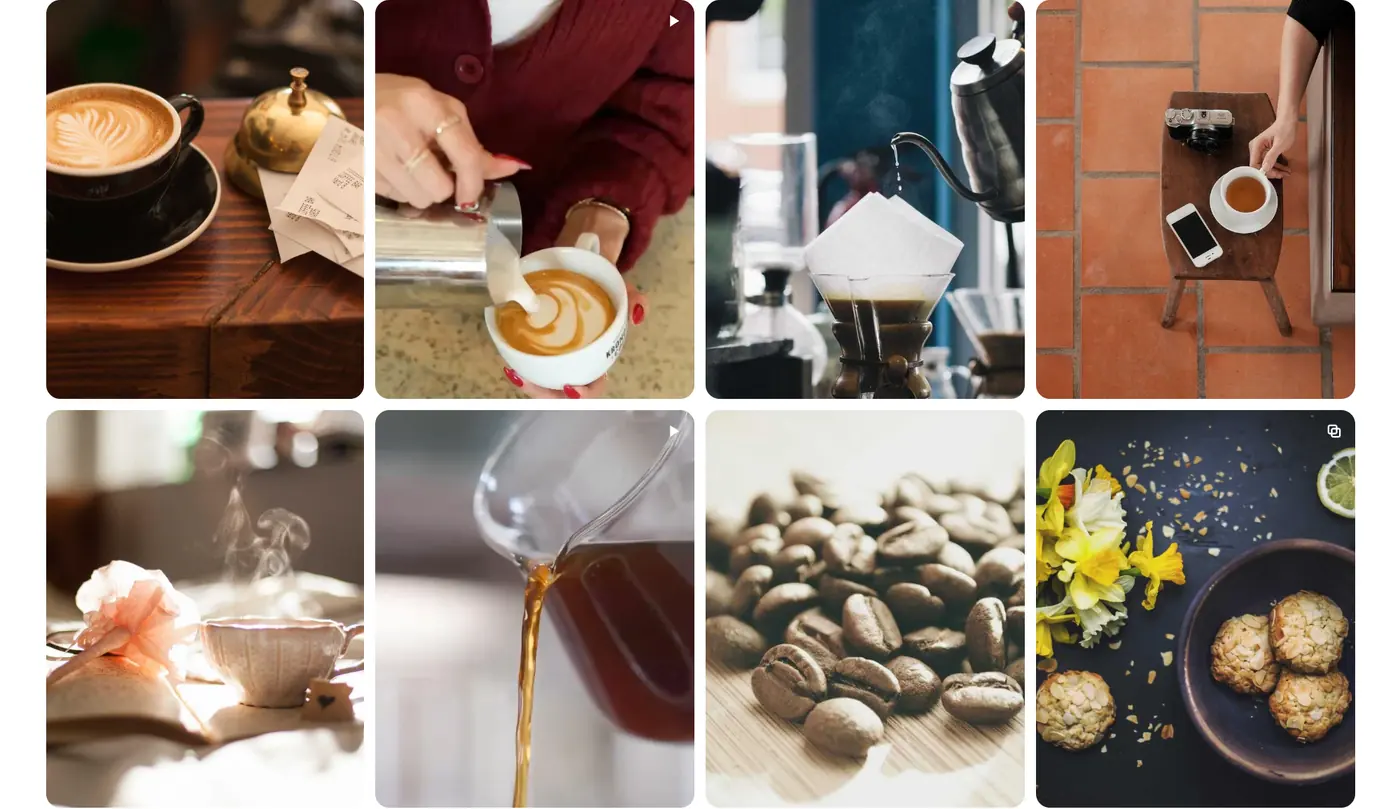
A grid works well when several images need to communicate range at a glance. A horizontal slider can preserve vertical space, but its controls and swipe behavior must be obvious. Avoid a rapid autoplay carousel; food photography needs time, and motion can compete with the booking action.
Preserve the media rather than cropping every asset to a fashionable ratio. Portrait Reels, landscape room shots, and square food photos need a defined policy: contain, crop with focal control, or open into an accessible modal. Preview the least convenient posts, not only the most photogenic ones.
On mobile, two columns often provide a useful balance for images, while a single-card slider offers more detail. Keep tap targets clear, reserve image space to prevent the page moving during load, and ensure a modal can close with keyboard, touch, and the Escape key where supported.
Protect Reservations From a Media-Heavy Feed
Restaurant traffic is often mobile and time-sensitive. A customer may be checking hours, directions, the menu, or tonight’s availability over a cellular connection. Those tasks should load before a below-the-fold social gallery.
Limit the initial post count, defer video until interaction, use poster images, lazy-load media below the fold, and avoid initializing a large lightbox library on every page when only one page contains the feed. Measure the published page on a mid-range phone and throttled connection.
Keep a fallback link to the Instagram profile, but do not make essential restaurant information depend on Instagram. Hours, address, phone, booking, menus, allergens, and accessibility information belong in normal website content.
Handle Guest Photos and Permissions Deliberately
A tagged post is not automatic permission to copy a guest’s photo into a marketing gallery. If the feed displays only the restaurant’s own public profile, the content-control problem is simpler. If you curate customer posts, establish a documented request, approval, attribution, and takedown process.
Be especially careful with identifiable children, private events, dietary or health context, and posts that reveal a guest’s presence at a location. Staff should know where consent records live and how quickly content can be removed from both the source workflow and website.
Restaurant Instagram Feed Setup Checklist
Build the feed on the page where it will live. A generic plugin preview cannot reveal whether the section overwhelms the menu, pushes reservations down, or clashes with the restaurant’s photography and typography.
- Confirm the correct public restaurant or location profile
- Decide whether the feed is automatic, moderated, or manually curated
- Choose six to nine representative posts for the first production test
- Set desktop and mobile columns, gaps, crop behavior, and modal controls
- Write a contextual heading instead of “Follow us on Instagram” by default
- Place a reservation, order, directions, or event-enquiry CTA after the feed
- Test old posts, Reels, carousels, long captions, and missing media
- Measure page speed and booking interactions before and after launch
- Assign someone to check freshness, rights, and connection status each quarter
Related: Complete Instagram feed implementation guide · Instagram feed plugin scorecard
Measure Bookings, Not Feed Vanity Metrics
Track feed visibility, post opens, outbound Instagram clicks, reservation or order clicks after the section, and page performance. Segment by device because a section that works on desktop may slow or distract mobile visitors.
Run the comparison long enough to cover normal weekly variation and avoid major holidays or one-off campaigns when possible. If bookings or enquiries improve without a harmful speed change, the feed is earning its space. If Instagram exits rise while primary actions fall, shorten the section, move it later, or replace it with a curated gallery.
A Practical Setup Route for Restaurants
RevuKit’s Instagram Feed connects the restaurant’s public handle, previews current posts in a grid, carousel or gallery, and gives you a two-line embed to paste into the website, whether it runs on WordPress, Squarespace, Shopify, Webflow or a booking platform’s site builder that allows custom code. On Framer, the plugin inserts the same feed as a native component. Neither needs a Meta developer setup or the owner’s Instagram password.
Posts open in a popup on the restaurant’s own page rather than sending diners to Instagram, which keeps the reservation button one scroll away. The published feed depends on RevuKit’s service, so evaluate it like any other live integration: publish to staging, test on mobile, review the data and runtime disclosure, and confirm the plan’s profiles, views and refresh behavior before rolling it out to multiple locations.
Related: RevuKit Instagram Feed for restaurant websites · Instagram Feed for Framer setup guide · Multi-client workflow for Framer agencies · Current RevuKit Instagram Feed plans
Questions
- Should a restaurant put its Instagram feed on the homepage?
- Often, but not automatically. Place a short feed after the concept and core offer, then lead into a reservation or order action. Do not let it push essential location, hours, menu, or booking information down the page.
- Should a restaurant use both Google reviews and Instagram?
- They answer different questions. Reviews provide independent judgment about the experience; Instagram shows current food, atmosphere, and activity. Use both selectively near the decisions they support.
- How many Instagram posts should a restaurant website show?
- Start with four to nine rather than loading a large archive. Use enough to show range without turning the page into a second Instagram profile, then measure speed and booking behavior.
- Is a grid or carousel better for restaurant photos?
- A grid communicates range quickly. A slider preserves space and gives each post more attention. Test the real content on mobile, ensure controls are accessible, and avoid fast autoplay.
- Can a restaurant display customer Instagram posts?
- Only with an appropriate permission process. A public or tagged post is not automatically permission to download and reuse the media in marketing. Preserve attribution and make takedown easy.
- What if the restaurant rarely posts on Instagram?
- Use a curated website gallery or omit the feed. A stale feed can signal inactivity, while an intentional evergreen gallery can remain useful if it is accurate and maintained.
- Will an Instagram feed hurt restaurant website speed?
- It can if too many large images, videos, or scripts load early. Keep the initial feed small, defer video, lazy-load below-the-fold media, and measure the live page on a slow mobile connection.