
There Are Four Real Options—not Two
“Plugin versus embed” hides several different implementations. A native Instagram embed displays an eligible post or Reel with Instagram’s own presentation. A curated gallery uploads selected media into the website CMS. A feed plugin or hosted widget keeps a multi-post component updated. A custom integration retrieves authorized data and renders it through infrastructure your team owns.
Each can be correct. The wrong choice is the one whose maintenance model the team has not understood. A free native embed can be ideal for one campaign post and awful for an eight-item homepage gallery. A paid plugin can be economical for a marketing team and constraining for a product with unusual data requirements.
- Native embed: best for one specific public post or Reel
- Curated CMS gallery: best for a small, evergreen selection
- Live-feed plugin: best for an updating grid or slider without internal engineering
- Custom API integration: best for unique product requirements and teams that can own it
Native Instagram Embed: Lowest Setup, Least Design Control
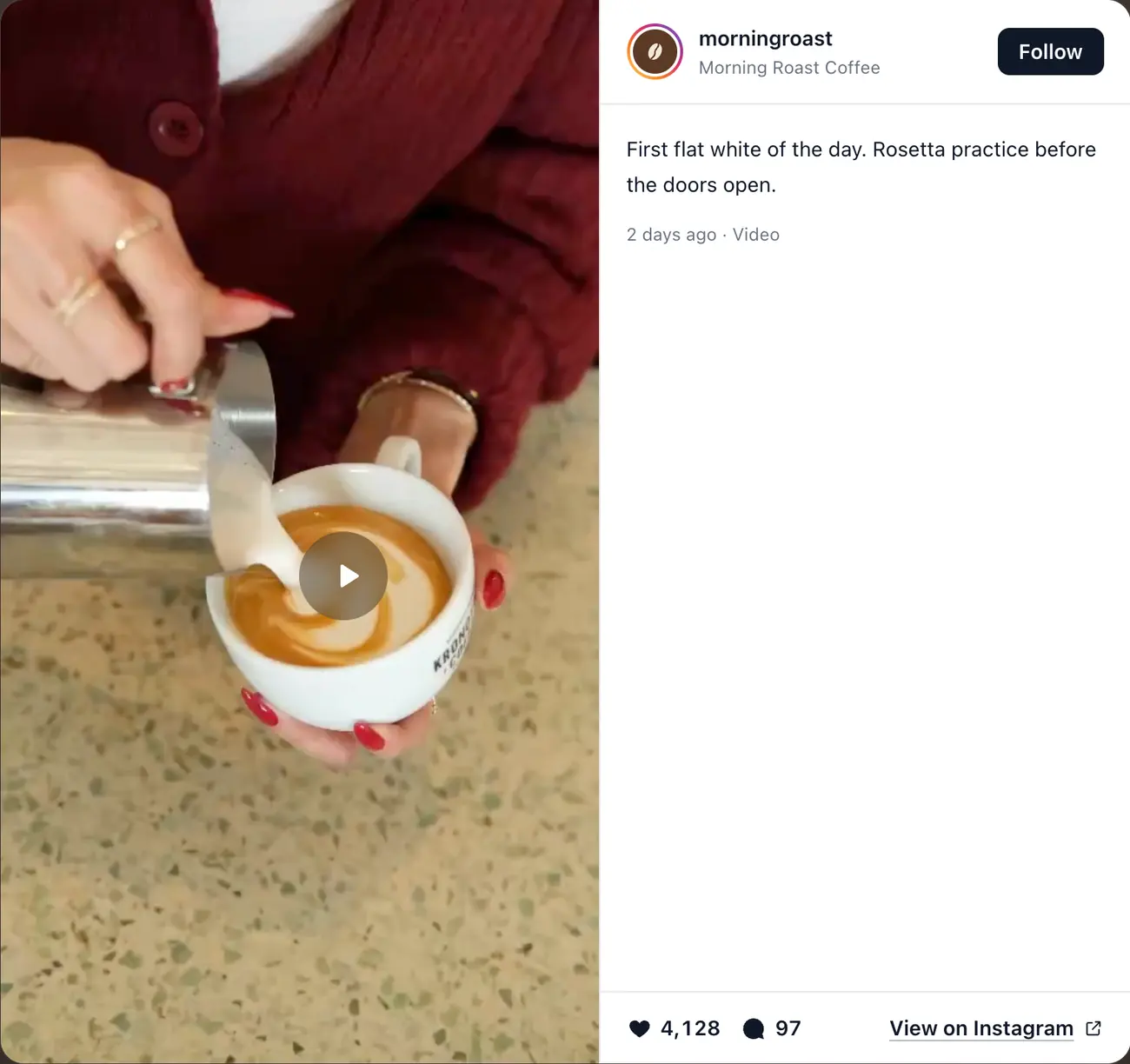
Use the native Embed option when the identity and context of a particular Instagram post matter. The post retains platform attribution and links back to its source. This works well inside an article, case study, press page, or campaign recap.
The tradeoffs are visual weight, third-party loading, and dependency on the original content. You have limited control over Instagram’s interface. If the content becomes ineligible, private, or deleted, the embed may stop rendering. Several native embeds on one page can also create a repetitive, heavy experience.
Do not call a row of individually embedded posts an automatically updating feed. Someone still has to choose each item and replace its code.
Curated CMS Gallery: Maximum Editorial Control, Manual Updates
A normal website gallery is the cleanest solution when you want a small portfolio rather than a live social feed. The site controls image sizes, alternative text, animation, links, and layout. There is no social script to initialize, and the section can remain stable even if Instagram is unavailable.
Its cost is editorial. A person must select, optimize, upload, caption, and replace each item. Customer or creator content needs permission to republish, and the gallery should not imply that it updates automatically. This option works best when the selection changes monthly or quarterly rather than after every post.
Live-Feed Plugin: The Practical Middle Ground
A feed product packages connection, synchronization, caching, media delivery, layout, and error handling into a managed workflow. It is usually the fastest way to publish a branded multi-post grid or slider and keep it current without recurring website edits.
The provider becomes part of the runtime and budget. Review account requirements, refresh intervals, page-view limits, branding, performance, visitor data flow, accessibility, failure states, and the export or removal path. “No code” describes setup, not the absence of technical dependencies.
Platform-native plugins tend to provide a better editor experience; universal scripts tend to be more portable. Test both the authoring workflow and the published page.
Related: 24-point Instagram feed plugin scorecard · Example feed runtime and data disclosure
Custom API Integration: Control With a Long Tail of Work
A custom integration makes sense when Instagram content is part of a product, must join proprietary data, or needs behavior no plugin can provide. The code itself is only the visible portion. A production system may also need account authorization, secure token handling, refresh jobs, media caching, rate-limit management, content deletion, monitoring, fallbacks, and updates when platform rules change.
Estimate lifecycle cost rather than the first sprint. Assign an owner, document the permissions and data flow, create alerts for failed refreshes, store only what the use case needs, and design the website to survive upstream downtime. If the team cannot commit to that ownership, a managed product is usually the more honest choice.
Avoid unsupported scraping merely to skip connection requirements. A brittle shortcut can create operational and policy risk that is disproportionate to a decorative homepage section.
Side-by-Side Decision Guide
Choose based on update frequency and ownership first. Styling is important, but a beautiful implementation that no one can maintain will decay.
- Fastest for one item: native embed
- Best page-speed ceiling: optimized CMS gallery
- Best balance for a live marketing feed: managed plugin or widget
- Best for uncommon product requirements: custom official-API integration
- Lowest recurring cash cost: native embed or CMS gallery
- Lowest recurring staff effort: well-supported managed feed
- Most portable visual implementation: CMS gallery or owned custom component
- Most direct platform attribution: native Instagram embed
Calculate Total Cost Instead of “Free vs Paid”
A free method still consumes staff time. Estimate initial implementation, monthly content updates, authentication recovery, design changes, performance work, accessibility fixes, and incident response. Then compare that with the plugin subscription at expected website count, connected accounts, page views, and support tier.
For a single evergreen post, a subscription is hard to justify. For an agency maintaining ten client feeds, repeated manual work can exceed a managed plan quickly. For a product company with an existing integration team, custom ownership may be rational because the capability creates differentiated value.
How to Switch Methods Without Breaking the Page
Wrap the feed in a section with its own heading, fallback copy, and next action. That makes the implementation replaceable. Record the source profile, selected post rules, visible count, aspect-ratio policy, breakpoint behavior, and analytics events before migrating.
Build the replacement on a staging page, compare performance and interaction, and remove old scripts after cutover. Do not leave two providers loading invisibly. If the old tool created redirect links or hosted assets, replace those dependencies before cancelling the account.
- Preserve the section URL, heading, and primary conversion path
- Capture screenshots and behavior at every breakpoint
- Export configuration or content references where the provider allows it
- Verify source permissions and account ownership in the new method
- Test a failure state before publishing
- Remove unused scripts, tokens, apps, and provider access after migration
The Practical Recommendation
Use a native embed for one post, a CMS gallery for a small timeless selection, a managed feed for an automatically updating marketing component, and a custom integration only when the capability is important enough to own as software. That decision rule is more durable than choosing the tool with the longest feature page.
For teams that want a live grid, carousel or gallery without a Meta developer setup, RevuKit is designed for the managed-feed path: connect a public handle, preview the content, then paste a two-line embed into any website or insert the Framer plugin’s component. Its runtime dependencies are disclosed. Test it against the same standards you would apply to any provider.
Related: Instagram feed implementation and QA guide · RevuKit Instagram Feed for any website · RevuKit Instagram Feed for Framer · RevuKit Instagram Feed pricing
Questions
- Is an Instagram embed the same as an Instagram feed?
- Not necessarily. A native embed usually displays a specific eligible post, Reel, or profile. A website feed usually means a multi-post grid or slider that can refresh as the source account publishes.
- Is a plugin better than manually embedding posts?
- A plugin is usually better for an automatically updating multi-post section. Native manual embeds are simpler and cheaper when only one or two specific posts support the page.
- Is a manual CMS gallery misleading?
- No, provided it is presented as a curated gallery rather than a live feed, the business has permission to use the media, and someone maintains it.
- When is a custom Instagram integration worth it?
- It is worth considering when Instagram content is a core product capability, needs proprietary logic, or must integrate with owned systems—and when a team can maintain authorization, caching, monitoring, privacy, and API changes.
- What happens if a feed plugin shuts down?
- The live section may stop updating or rendering. Reduce risk by keeping the component replaceable, documenting its configuration, retaining source media permissions, and avoiding provider-owned redirects for critical links.
- Can I switch from a plugin to a manual gallery later?
- Yes. Use a self-contained section, record the layout and content rules, rebuild it in staging, preserve the surrounding copy and CTA, then remove the old provider’s scripts and access.